from nethack to tilde
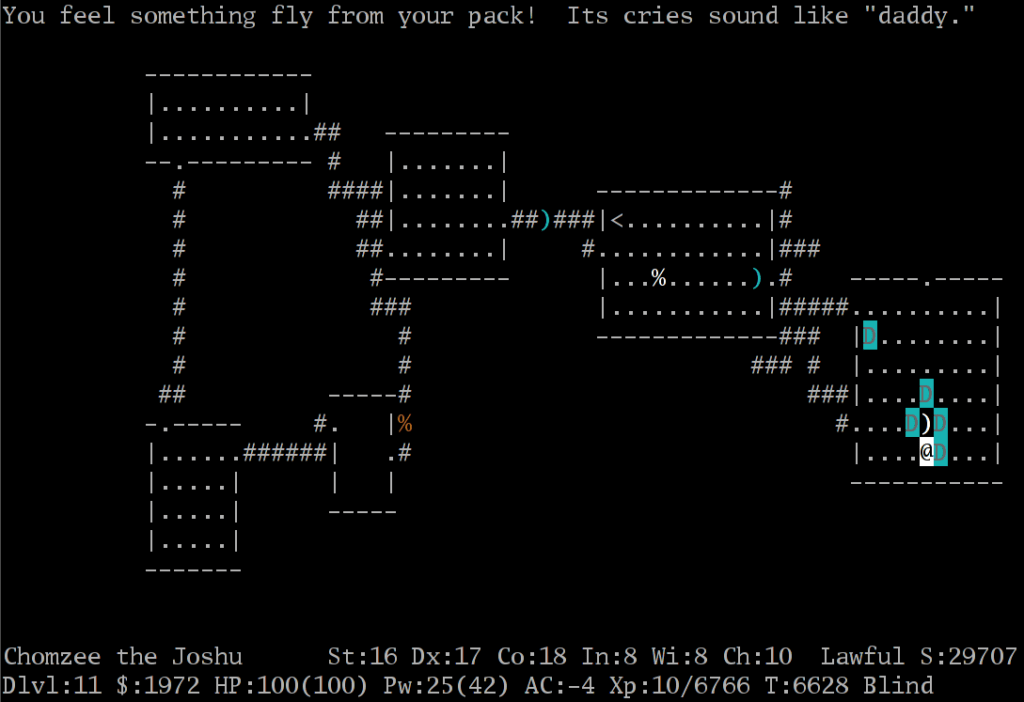
Yesterday we had a short discussion on IRC about nethack and it’s multi-user aspect.
nethack that is the classic, expansive roguelike that derived directly from the actual game rogue, only taking a short detour over a version called hack. The ‘net’ in its name is because the sources for the game were (and are still) distributed over the net.
Now nethack does not actually have a multi-user aspect in its gameplay itself. You can’t go to the procedurally generated dungeon and find the amulet of Yendor in a group. When you enter nethack you are alone.

…well, alone besides your pet that is, because every true adventurer needs a puppy or kitten at their side…
BUT it nevertheless has some multi-player aspects. There is a score board in the game which shows the scores of the characters that died (or even survived) the dungeon.
The game has permanent death, so every player only ever has one savegame, which is dutifully erased when they die.
But it also has so called bones files. These are remnants of previous games played on the same machine. They don’t necessarily spawn even in every game, but they are a part of the game nevertheless.
When a character dies on an eligible dungeon level (above 3 and not in some specific locations) there is a chance the level is saved in a bones file. According to the wiki only one such file is stored per level, and it has a 1/3 chance of being loaded in any given game.
The level in question will contain e.g. a pile of bones with the (possibly cursed) equipment of the previous character, a ghost or otherwise appropriate named monster (characters killed by vampires raise as vampires for example), named items, or engravings made by the previous character.
So while you can’t play with other people, their traces are present in the game. Even more so if you are playing the game on a mainframe or other shared system. The more people are on the system, the more chances there are for bones to be left. Meaning you will also get more chances to see traces of other people when you play the game.
And this is intentional. The original nethack was played on shared mainframe systems. Nowadays most people who install it on their system…
On debian: apt install nethack-console
… won’t have any other users interested in it. But then… public nethack servers exist to fill exactly that gap. These often include the ability of people to look at ongoing games as well.
But even if you don’t plan to play on public servers there’s an option for you: the package hearse is available in many Linux repositories. This is a program that exchanges bones files between different machines so you have more chances of encountering them on your home installation.
Which is a long way to go to come to the point: our discussion quickly derailed into: why don’t we do tilde-like system for our little ttrpg community?
tildes are public unix systems that allow people to create an account and do stuff on there, run programs, make webpages, and communicate with email, chat, or usenet.
So that’s what we have been doing.
grenzland.club was quickly established on a spare VPS and everyone interested in the chat given access.
The tilde part of the name comes from the ~ seen in the paths of user pages on those systems, like e.g. https://grenzland.club/~kyonshi which should lead you to my page there.
And yes. nethack is installed on the system already.
01.11.26
Usenet top1000
I find it interesting how far Usenet has fallen that me posting a few random posts in a few newsgroups over the last few weeks makes it that my private server all of a sudden is one of the top 150 Usenet servers:
...
120 0.546275 local-4.nntp.ord.giganews.com
121 0.526391 news.usenet.ovh
122 0.522859 wilderland.ovh
123 0.496498 f4441.n5020
124 0.473145 f8912.n5020
125 0.472186 f278.n5010
…
Honestly there isn’t anyone but me who uses this server as such, besides one more person who is connected via uucp links (but I haven’t seen him post anything lately).
The Usenet top1000 are a rather old tradition, to the point that the package to take part is in various Linux repositories: it simply counts how often a particular server shows up in posts seen by various servers and calculates how much of the whole message network it makes up.
01.5.26Pihole doesn’t work after a week off
I have my pihole running on a Raspberry Pi Zero W connected to my private network. It normally is running all the time, so my router (a rather cheap TPlink thing) is using it as it’s main DNS revolver. Now what happens when you switch off the network, the pi, and everything else when you go for a holiday? Like, say, when you went to visit your family over the Christmas break and switched the homelab off, like I did two weeks ago?
Well, turns out it might not be able to reconnect, especially not when you also use the pi as your local NTP server.
…which in hindsight was a pretty stupid setup causing a problem which I should have seen coming: the pi doesn’t have a real time clock (RTC), when you switch it off it will not be able to reset the time to the actual time, then when it tries to resolve any kind of domain name all of them will have the wrong timestamp. In effect: no DNS resolution possible. Not even to the global NTP servers to synchronize the clock.
Hmm. I guess unless I set those to the actual IP address instead of a domain name.
Anyway just set the date on your pihole to the current time manually, with something like
date -s “5 JAN 2026 21:36:00”
With that it should almost immediately start resolving DNS again and your kid can watch his youtube videos without issues. Or something.
01.3.26Spammers searching Spammers

I didn’t think spammers would be so blatant in looking for people to do their dirty work for them. Found this one on LinkedIn (that hive of scum and villainy… actually, why am I surprised?)
01.3.26Peering an INN usenet server

INN (short for InterNetNews) is currently the most common newsserver around. And it seems it’s actually comparatively easy to configure for a newsserver. It still is bloody opaque for a newbie though.
For the sake of people like me who’d like to peer with someone else but don’t know what to do, here’s how it works:
You need a peer (of course) who let’s you peer with them.
The easy way is to ask on news.admin.peering, people there are generally really helpful to prospective new admins. And mind you, I am not an expert, this is what I found works.
Then you will need to add stuff to three files in /etc/news: incoming.conf, innfeed.conf, and newsfeeds.
The entry for incoming.conf looks like this
incoming.conf:
peer usenet.example.com {
hostname: usenet.example.com
}
The one for infeed.conf looks like that:
innfeed.conf:
peer usenet.example.com {
ip-name: usenet.example.com
}
Both of which are rather simple. Then comes newsfeeds which gets a bit more complicated:
newsfeeds
usenet.example.com/server\
:*,!local.*,@*bina*,!control,!control.*\
:Tm,<1000000:innfeed!
This is where most of the magic happens: the first star in the second line tells to accept every message from your peer. The !control.* takes out all the messages from the control.* hierarchy. The !local does the same for local groups.
The @bina is intended to make all binary groups poison groups, meaning messages will be discarded if they are even just cross-posted to a binary group. Most text-only usenet servers don’t want any binary posts at all, some do allow smaller graphics. None of them want the hassle of dealing with binary groups.
The <1000000 tells you how large the messages are allowed to be (in this case for a text server a rather permissive 1mb).
The Tm flags specifies how it the feed is handled , you can read more about flags on the man page.
Federation Tag: @usenet
01.2.26writefreely, the fediverse, and blogs as such
What actually is a weblog?
I have the feeling it should have a comment system, but that of course isn’t necessarily part of the definition.
Wikipedia tells me:
“informational website consisting of discrete, often informal diary-style text entries also known as posts. Posts are typically displayed in reverse chronological order so that the most recent post appears first, at the top of the web page.”
Eh, nothing about comments.
But I would say that certainly comments are important. And when I heard about writefreely and how it was federated with the rest of the fediverse I thought that would be the case.
Nope. It basically just provides a link for readers. It neither gives the post, nor does it allow reading any comments left on the activitypub post. In effect it’s about the same as an rss-to-fedi portal, just integrated into a very stripped down blog engine.
I don’t see it. I don’t really understand how it is being mentioned in the same breath as mastodon or pixelfed. Even wordpress has a better integration into the fediverse. (by now that is)
Mind you, I wouldn’t mind actually using writefreely, because it IS looking quite nice. It just doesn’t do what I thought it was supposed to.
01.1.26My IRC setup I: Chat Server – ngircd
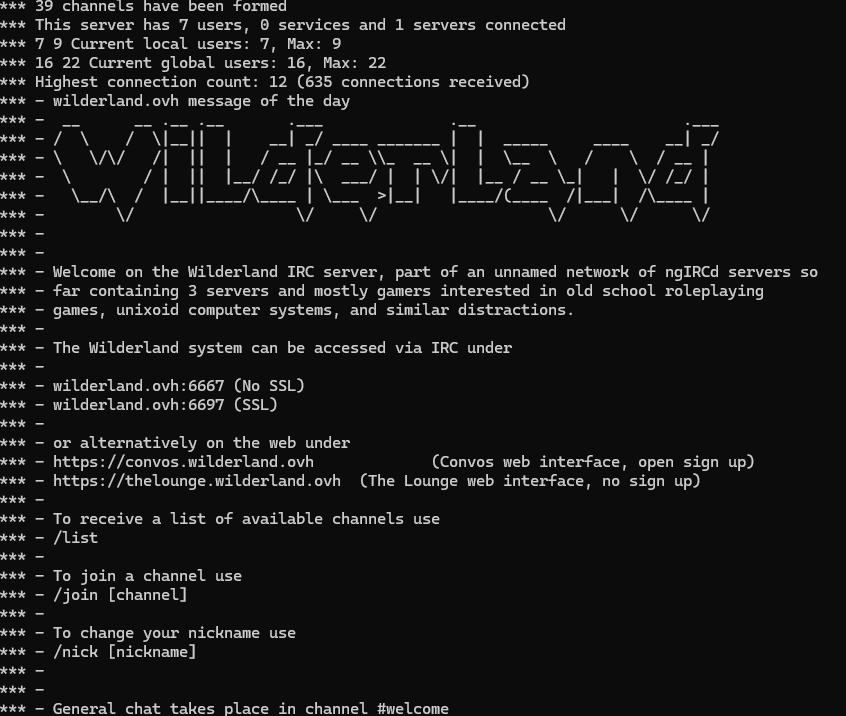
ngircd (Next-Generation IRC Daemon) is one of the simplest full-featured IRC clients around.
It’s similarly next generation as Star Trek: The Next Generation is to Star Trek though: it has been around for a long time.
It originally came out in 2001 and has been in development ever since, but as the developer is basically just one person it’s not like it was going to get earth-shattering new features.
What it promises is simplicity though: One can get it running incredibly fast, just install it from source or from your distro’s package manager (on debian: apt install ngircd), fix up the configuration file (add a name, OPer user and password, and so on, the ngircd.conf file is amazingly self-explanatory if you ever looked at one of the other ircds) and you have a running IRC server you can connect to with a normal IRC client on port 6667.
It’s only slightly more complicated to get SSL running on port 6697 or do things like setting permanent channels.
Multi-server networks are also easy: you need to find another ngircd server willing to peer with you though, then add a few code snippets like this into your configuration:
[Server]
Name = example.org
Host = example.org
Port = 6667
MyPassword = supersecret
PeerPassword = secretsuper
SSLConnect = no
Your peer needs to add exactly the opposite passwords. Then reload ngircd and you have your own IRC network.
Notes: watch out that the nicklength value is the same. That governs how long nicks can be in the network, and if it isn’t the same on all servers it will refuse to connect. Ask me how I know. Actually, better don’t…
We have a small network running via ngircd. You can connect to it via wilderland.ovh or campaignwiki.org, in both cases ports 6667 or 6697. It’s mostly for ttrpg topics, but most of us are also into weird computer talk.
| Posted in Games, tilde | No Comments »