My IRC setup I: Chat Server – ngircd
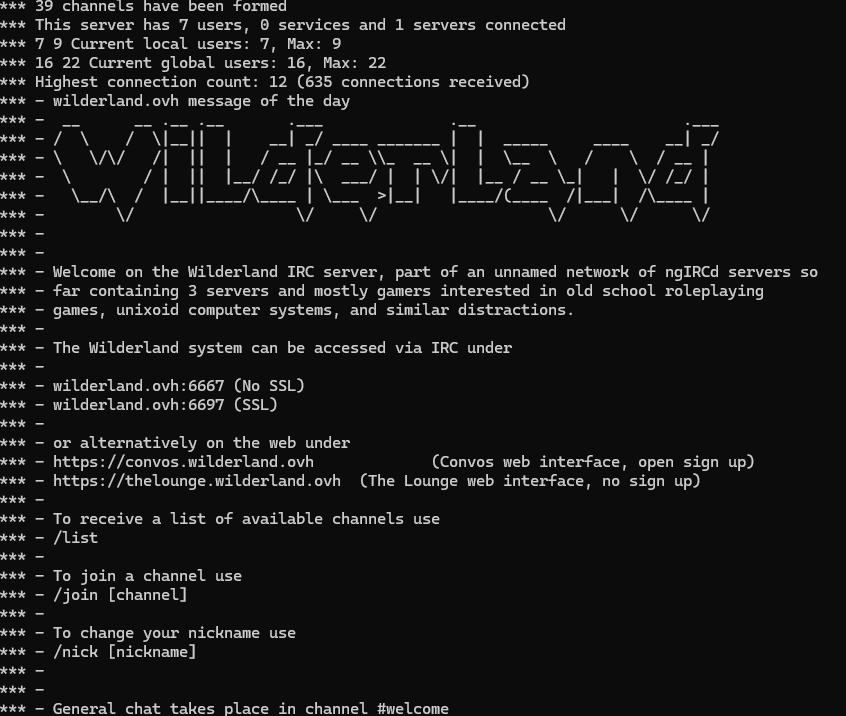
ngircd (Next-Generation IRC Daemon) is one of the simplest full-featured IRC clients around.
It’s similarly next generation as Star Trek: The Next Generation is to Star Trek though: it has been around for a long time.
It originally came out in 2001 and has been in development ever since, but as the developer is basically just one person it’s not like it was going to get earth-shattering new features.
What it promises is simplicity though: One can get it running incredibly fast, just install it from source or from your distro’s package manager (on debian: apt install ngircd), fix up the configuration file (add a name, OPer user and password, and so on, the ngircd.conf file is amazingly self-explanatory if you ever looked at one of the other ircds) and you have a running IRC server you can connect to with a normal IRC client on port 6667.
It’s only slightly more complicated to get SSL running on port 6697 or do things like setting permanent channels.
Multi-server networks are also easy: you need to find another ngircd server willing to peer with you though, then add a few code snippets like this into your configuration:
[Server]
Name = example.org
Host = example.org
Port = 6667
MyPassword = supersecret
PeerPassword = secretsuper
SSLConnect = no
Your peer needs to add exactly the opposite passwords. Then reload ngircd and you have your own IRC network.
Notes: watch out that the nicklength value is the same. That governs how long nicks can be in the network, and if it isn’t the same on all servers it will refuse to connect. Ask me how I know. Actually, better don’t…
We have a small network running via ngircd. You can connect to it via wilderland.ovh or campaignwiki.org, in both cases ports 6667 or 6697. It’s mostly for ttrpg topics, but most of us are also into weird computer talk.
| Posted in IRC | 2 Comments »